Sell custom products with Printify
Every sale you make on Printify sets off a chain of events your customer never sees. A Print Provider receives the order, produces the product, packs it, and ships it directly to the buyer’s door. No warehousing, no inventory, no logistics on your end.
This guide covers the complete Printify order fulfillment process – from order to delivery – so you know exactly what happens at each stage, what drives production and shipping timelines, and how our service helps you run a sales-ready store.
Key takeaways
- The order fulfillment process is fully automated: From order processing to final delivery, our Print Providers handle production and shipping – eliminating inventory management, warehousing, and operational costs on your end.
- Printify Choice optimizes every order automatically: It routes each order to the best available Print Provider based on price, quality, and customer location. This means timely delivery, better prices, and protection against stock shortages across all your sales channels.
- Quality control at every step: Barcode scanning during the product picking process and packaging stage catches any errors before they reach the customer. Meanwhile, continuous monitoring of customer feedback and delivery data maintains service quality network-wide.
- Real-time tracking and proactive communication: Providing customers with live status updates – from order confirmation to delivery – reduces support inquiries, builds customer satisfaction, and encourages future purchases.
- Knowing the complete process is a competitive advantage: Merchants who understand how Printify works can set accurate delivery estimates, manage customer expectations confidently, and maintain customer satisfaction even if things go wrong.
What is the Printify order fulfillment process?

The Printify order fulfillment process is the end-to-end sequence that transforms a customer purchase into a delivered product. It covers order processing, Print Provider selection, custom production, quality control, packaging, the shipping process, and final delivery – all managed through Printify’s platform.
Because Printify operates on a print-on-demand (POD) model, products are manufactured after a customer places an order. There’s no pre-made stock sitting in inventory storage, eliminating traditional inventory management requirements and removing warehouse operations from your plate entirely.
For merchants, this means lower operational costs and the freedom to sell a wide product selectionwithout upfront investment – key components that make POD a competitive advantage for independent sellers.
How does Printify streamline order processing for merchants?
Printify connects directly to your store and handles order processing automatically the moment a sale comes in.
- Automating repetitive tasks: Our system routes customer orders to the best Print Provider, triggering production and generating tracking numbers to speed up fulfillment and the delivery process.
- Automatic order approval: Merchants can enable this so production begins as soon as payment clears. This keeps the fulfillment process moving and helps streamline operations without requiring you to review each order manually.
- Leveraging data analytics: We track order processing and shipping data across our network to optimize routing decisions. Printify’s built-in warehouse management system handles backend print-on-demand logistics, while automated systems manage inventory data to support operational efficiency as your order volume grows.
What happens after a customer places an order on your eCommerce store?

The order fulfillment process kicks off. Here’s what happens in those first critical minutes:
- Order received: Printify captures the order details – product type, design file, size, color, shipping address, and specified quantity.
- Payment verification: Printify confirms funds are cleared before production begins, preventing wasted runs and protecting both merchants and Print Providers.
- Order confirmation: The merchant is notified. Depending on your store settings, the customer receives an automated order confirmation, too.
- Provider assignment: The order is routed to the appropriate Print Provider based on your preferences, routing rules, or Printify Choice.
If you use manual approval, you’ll review each order before it enters production – a useful checkpoint for catching address errors or flagging unusual customer orders early.
How is a Print Provider selected for an order?
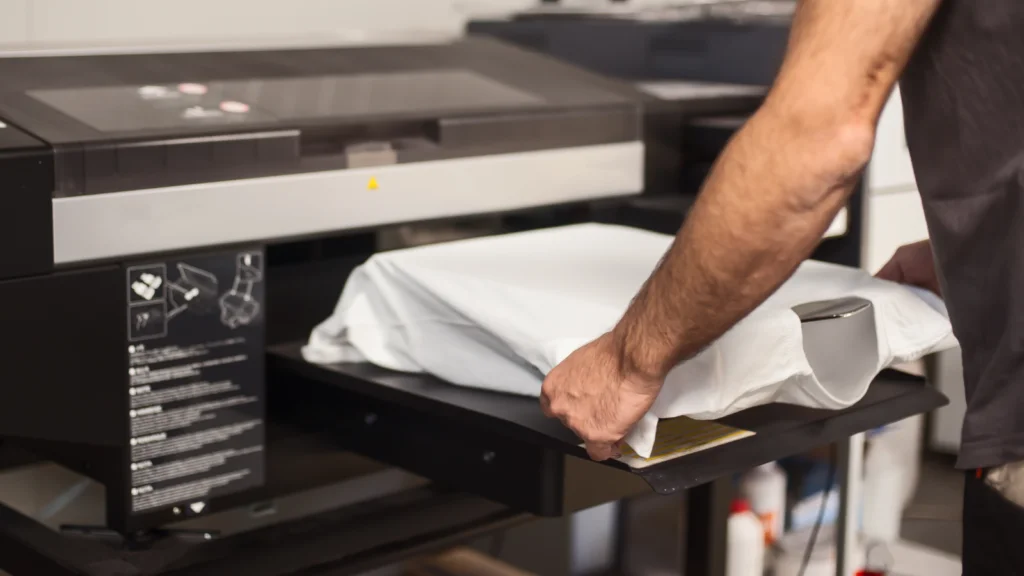
Print Provider selection shapes the entire delivery process. It determines where your product is made, how quickly it enters production, and how far the package travels to reach the customer. Printify offers two approaches, depending on how much control you want.
Printify Choice is the recommended option for most merchants. Rather than locking in a single provider, it automatically routes each order to the best available provider based on price, quality score, and proximity to the customer. This means orders are fulfilled closer to the delivery destination, reducing both transit time and shipping costs simultaneously.
Printify Choice products come at a fixed price. For example, the Gildan 64000 unisex t-shirt starts at $7.77 with Printify Premium, and shipping starts from $4.29, following the first-item-plus-next-item rule regardless of how many providers fulfill the order. Out-of-stock issues are also less likely, since the algorithm draws from a network rather than a single provider’s inventory data.
Manual provider selection gives merchants full control. When you select a product in the Printify Catalog, you choose which Print Provider produces it. This works well when you have specific quality requirements, strong customer preferences for a particular region, or have validated a provider through sample orders.
Printify’s routing rules make the order fulfillment process even stronger:
- Order Routing automatically redirects to a suitable alternative if your chosen provider faces a stock shortage, so orders are still fulfilled quickly without manual intervention.
- Location-based routing prioritizes the fulfillment center closest to the customer when a provider operates multiple facilities, optimizing delivery routes and shortening the overall delivery schedule.
- Switching to Printify Choice automatically reroutes eligible orders through the Printify Choice network when the same product costs the same or less – passing cost savings directly to you.
When does a Printify order go into production?
Production begins after order approval and successful payment verification. With automatic approval, this happens within minutes of the sale.
With Printify Choice, provider assignment is also finalized at this stage based on current inventory data, provider capacity, and customer location.
What are the stages of custom product production?

Once an order clears approval and payment, it enters the Print Provider’s production queue. While specifics vary by provider and product type, the core stages follow a consistent structure across Printify’s network.
- File preparation: The design is prepared for the chosen printing method. The resolution, color profiles, and print dimensions are adjusted accordingly.
- Batch picking: Customer orders are grouped and organized to reduce production time and improve operational efficiency across the facility.
- Printing or manufacturing: The item is produced using the chosen technique for that product.
- Finishing: Prints are cured, or additional steps are applied depending on the product type and decoration method.
- Quality inspection: Each item is reviewed for print accuracy, color fidelity, and physical integrity before the packing process begins.
- Packaging process: The item is packed using appropriate packaging materials suited to the product and shipping method. Barcode scanning at this stage confirms that the item in the right quantity is matched to the correct order.
- Carrier handoff: The packaged order is collected by delivery vehicles, tracking is activated, and the delivery process begins.
How do Print Providers ensure quality control for custom products?
Quality control is built into every stage of the fulfillment process, not just the final inspection. Barcode scanning during the picking process and again at the packing stage double-checks that the right product is going to the right customer.
Printify vets providers during onboarding and continuously monitors performance data – defect rates, delivery confirmation records, and customer feedback – to maintain consistent service quality across the network. Print Providers falling below acceptable standards are reviewed and removed where necessary.
As a merchant, ordering samples before launching any product is the single most effective step to ensure customer satisfaction before your first sale. It also lets you evaluate the shipping packaging your customers will receive firsthand.
What decoration methods does Printify use?
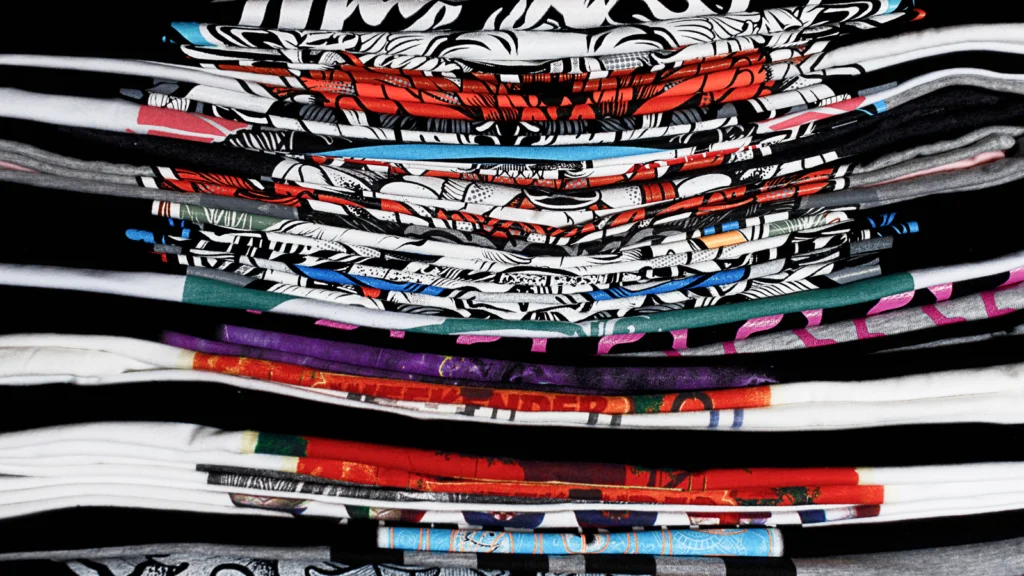
Printify’s Print Providers use a range of techniques depending on the product. The decoration method is determined by the product you select from the Printify Catalog and your chosen Print Provider.
- Direct-to-garment (DTG): Ink is printed directly onto fabric. Best for detailed, multi-color designs on apparel.
- Sublimation: Heat-transferred dye is fused into the material. Common for all-over prints, mugs, and accessories.
- Embroidery: Designs are stitched into garments for a textured finish. Used for hats, polos, and premium apparel.
- Direct-to-film (DTF): A transfer-based technique using film that works across multiple fabric types.
- Cut-and-sew: Panels are printed individually and assembled to create fully custom apparel.
- Laser engraving: A high-precision beam removes material from solid surfaces like metal, glass, and wood. Ideal for drinkware, keychains, and accessories.
How does Printify manage shipping and final product delivery?
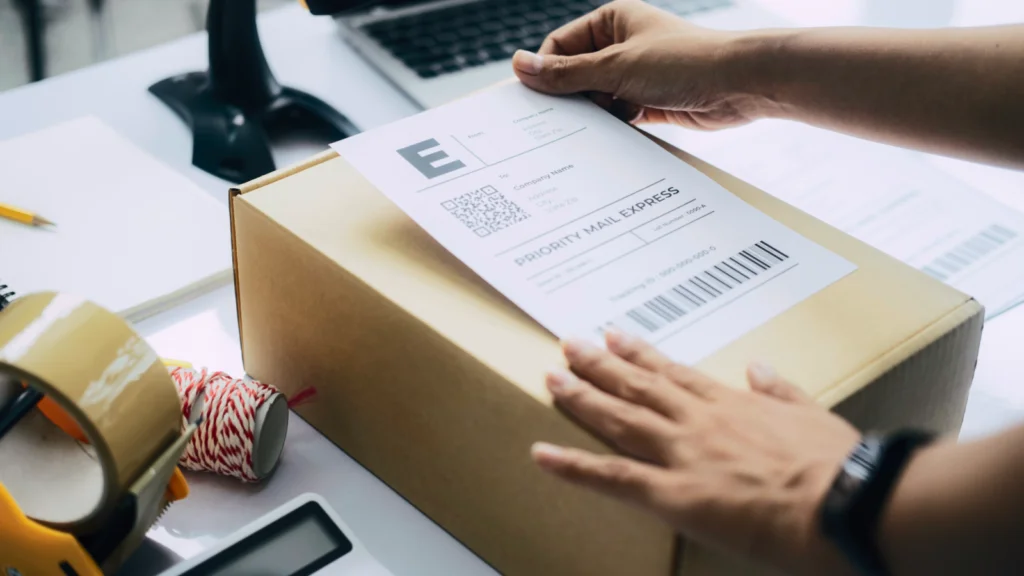
Once quality checks pass and packing is complete, the order moves into the shipping process. The Print Provider hands the package to a carrier, and responsibility for transit shifts to the delivery network.
Successful delivery depends on the carrier’s route coverage, delivery vehicles available in the region, and – for cross-border orders – customs clearance and appropriate documentation.
Printify’s network works with major delivery partners, including USPS, FedEx, DHL, and regional delivery services. All are selected for reliability and competitive shipping rates across both domestic and international shipping destinations.
Printify Choice further optimizes the delivery process by fulfilling orders locally wherever possible, reducing transit times for customers worldwide.
How are Printify shipping costs calculated?
Several factors shape shipping costs for any given order. Understanding these helps you price your products accurately and set realistic expectations for customers.
- Destination: Domestic orders cost less than international shipping. Cross-border shipments may require appropriate documentation and carry additional customs fees.
- Product type and weight: Heavier or bulkier items have higher shipping costs. A poster and a hoodie will have very different shipping profiles.
- Shipping options: Expedited shipping delivers faster but costs more. Standard delivery services balance price with reasonable transit times.
- Print Provider location: Orders fulfilled closer to the customer generate lower shipping costs and faster delivery times – a direct benefit of Printify Choice’s location-based routing.
Printify negotiates competitive shipping rates with carriers on behalf of our merchants, providing a competitive edge that individual store owners typically can’t access independently. This translates to real cost savings that support your business success across all sales channels.
Can I track my Printify orders from production to delivery?
Yes. Once a shipping carrier collects an order, a tracking number is generated and linked to that order in your Printify dashboard.
Most store integrations automatically push delivery status updates to shoppers via email, providing them with real-time tracking throughout the delivery process to improve customer satisfaction.
Merchants who review tracking data regularly also gain valuable insight into carrier performance and supply chain patterns – information that informs future decisions around shipping options, delivery partners, and Print Provider selection.
What are the typical Printify delivery times?
Delivery timelines break into two phases – production and transit. Both vary based on the product type, provider, and destination.
- Production: Typically 2-7 business days. Embroidered or cut-and-sew products take longer due to manufacturing complexity.
- Transit: Domestic US orders via standard shipping arrive within 2-5 business days after dispatch. International shipping ranges from 5-20 business days, depending on the destination and customs processing.
Peak seasons, supply chain disruptions, and customs delays can all shift the delivery schedule. Publishing accurate timelines and a clear shipping policy is one of the most straightforward ways to boost customer satisfaction and reduce disputes.
What support does Printify offer throughout the order-to-delivery journey?

Printify provides merchant support through live chat and email. We also have a comprehensive Help Center covering every aspect of fulfillment operations – from configuring sales channels to resolving international shipping disputes.
If order issues arise, Printify acts as the intermediary between you and the Print Provider. You submit a case with the relevant order details and documentation, and the support team coordinates a resolution on your behalf – so you can focus on the customer experience rather than supplier negotiations.
Proactive communication during delays is one of the most crucial aspects of meeting customer expectations. A brief update with a delivery status link reduces anxiety, prevents escalations, and protects customer loyalty. Being transparent is what helps turn one-time buyers into satisfied customers who return for future purchases.
Read our comprehensive guide on getting started with Printify.
Frequently asked questions about Printify order fulfillment
Start by tracking Printify orders in your dashboard. Carrier delays during peak periods are common and often resolve within a few days. If an order shows no movement over an extended period, contact Printify’s merchant support with the order details.
For shipments confirmed lost in transit, Printify coordinates with the Print Provider to arrange a replacement or refund, ensuring customer satisfaction is protected throughout the resolution process.
Changes and cancellations are only possible before the order enters production. Once a Print Provider begins manufacturing, the fulfillment process is underway and cannot be reversed.
If you need to correct an address or cancel, act immediately through your Printify dashboard or contact support as soon as the customer places the request.
Most orders enter production within 24 hours of approval and are completed within 2-7 business days. Items requiring embroidery or cut-and-sew construction take longer due to manufacturing complexity.
Check the specific Print Provider’s estimated production times in the Printify Catalog for accurate figures before listing a product.
Yes. Many Print Providers offer international shipping, and Printify Choice extends this further – automatically fulfilling eligible orders locally in the US, Canada, the UK, Australia, and the EU.
This gives customers faster delivery and localized shipping rates without any extra setup on your end. Review each Print Provider’s international shipping coverage in the Printify Catalog before targeting new markets.
Ask the customer to photograph the damage and share the images with you. Submit a claim to Printify’s merchant support team with the order details and photos attached. Printify will work with the Print Provider to issue a replacement or refund.
A clear resolution policy for your store sets customer expectations upfront, keeps the customer experience intact, and ensures customer satisfaction even when things go wrong. Most claims are resolved within a few business days.
To summarize
Every order that comes through your Printify store follows a defined, automated fulfillment process – from the moment a customer places an order all the way to final delivery.
Features like Printify Choice, Order Routing, and real-time tracking handle product fulfillment without requiring you to take care of inventory management systems or warehouse operations directly.
Knowing the complete Printify workflow puts you in control. Set accurate delivery expectations, handle orders with confidence, and leverage Printify’s global network, automation, and support to improve customer satisfaction and build a successful print-on-demand business.
Explore the Printify Catalog and start selling online with products that are built to scale.