Bring your design ideas to life
Designing for POD can feel like a wild mix of art class and business school, so let’s stack your toolbox properly.
In this guide, we’ll walk through the best online design tools for Print on Demand, like Printify’s Product Creator, Adobe Express, Canva, Kittl, Procreate, and more. You’ll see who they suit, what they shine at, and how to plug them into your POD workflow.
This post may contain affiliate links, which means we may earn a commission if you make a purchase through those links. This comes at no additional cost to you.
What to look for in a print-on-demand design tool
Not every shiny app belongs in your POD stack. Before you commit, check how well it fits your workflow as a print-on-demand seller and how it plays with your favorite print-on-demand tools and target audience.
- Friendly learning curve. Look for a tool that matches your current skills, so you can focus on creating designs instead of wrestling with the interface.
- POD-ready layouts. Templates built for apparel, wall art, stickers, and other print-on-demand products help you design faster and keep sizing consistent for custom products.
- Print-ready exports. Your tool should support 300 DPI, transparent PNGs, and vector formats to keep print quality sharp across different items.
- Smart AI helpers. Built-in AI tools or AI technology that generate ideas, adjust layouts, or clean up artwork can speed up the design creation process without compromising your style.
- Safe licensing. Check that fonts, elements, and assets are cleared for commercial use so you can confidently sell, share, and advertise finished designs.
- Pricing that grows with you. A solid free plan is great for testing, while flexible paid plans unlock more power without turning every upgrade into an extra cost.
- Creative control features. Custom fonts, layers, and mockup tools help you build a consistent brand identity and preview designs on real products before publishing.
Best online design tools for Print on Demand: Paid and free
Design tools do more than decorate a t-shirt. The best print-on-demand options also help you cook up ad creatives, social graphics, and scroll-stopping mockups. Below, we’ll tour a mix of free and paid choices you can add straight into your POD workflow.
1. Printify’s Product Creator
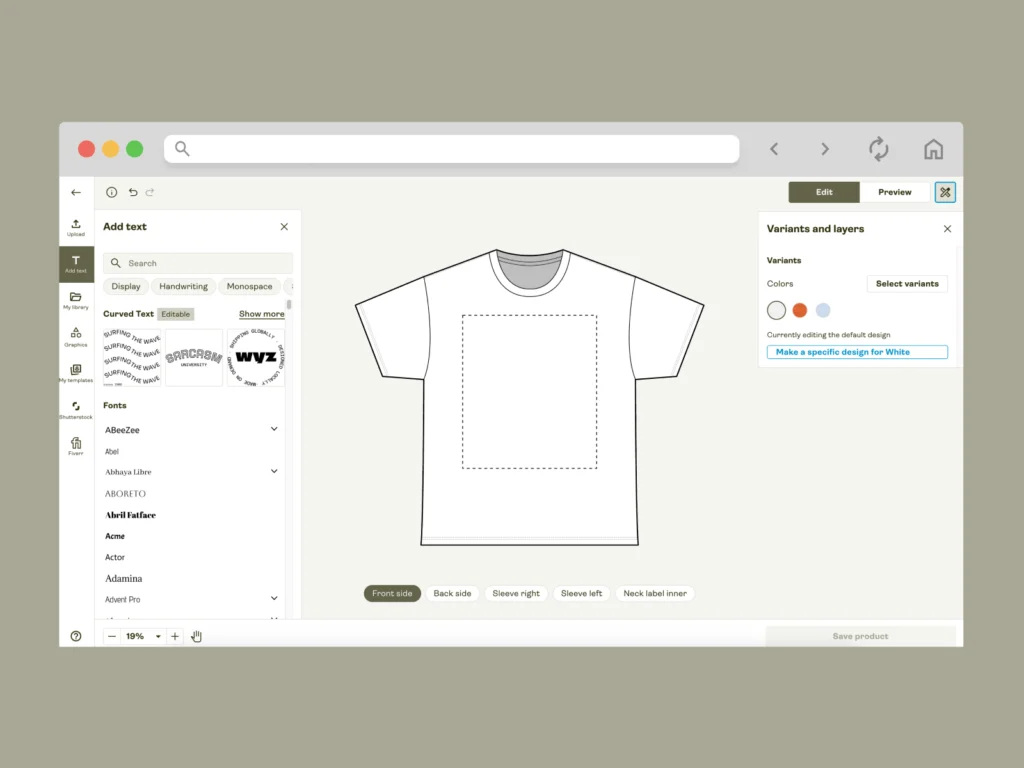
Printify’s Product Creator sits right inside your Printify account, so you jump from idea to publish-ready product without juggling tabs or extra apps. It feels like a guided studio for busy print-on-demand sellers who want fast, clean designs instead of tech headaches.
Key Features: The editor supports multi-language text with emojis, layered design control, and precise placement tools, so you can fine-tune every side of a product. You can generate art with the built-in AI Image Generator, remove backgrounds in one click, and tile artwork with the Pattern Creator.
A free graphics library adds icons, shapes, and ready-made elements. There’s even a Fiverr integration that connects you with freelance designers if you want someone else to create or polish your artwork.
Best for: Fast product designs and realistic mockups on actual Printify items.
Pros:
- Beginner-friendly interface. Perfect for launching or scaling a print-on-demand business without separate mockup tools or design skills.
Cons:
- You work only with Printify’s Catalog, so not ideal for general brand graphics.
Pricing: Free to use.
2. Adobe Express
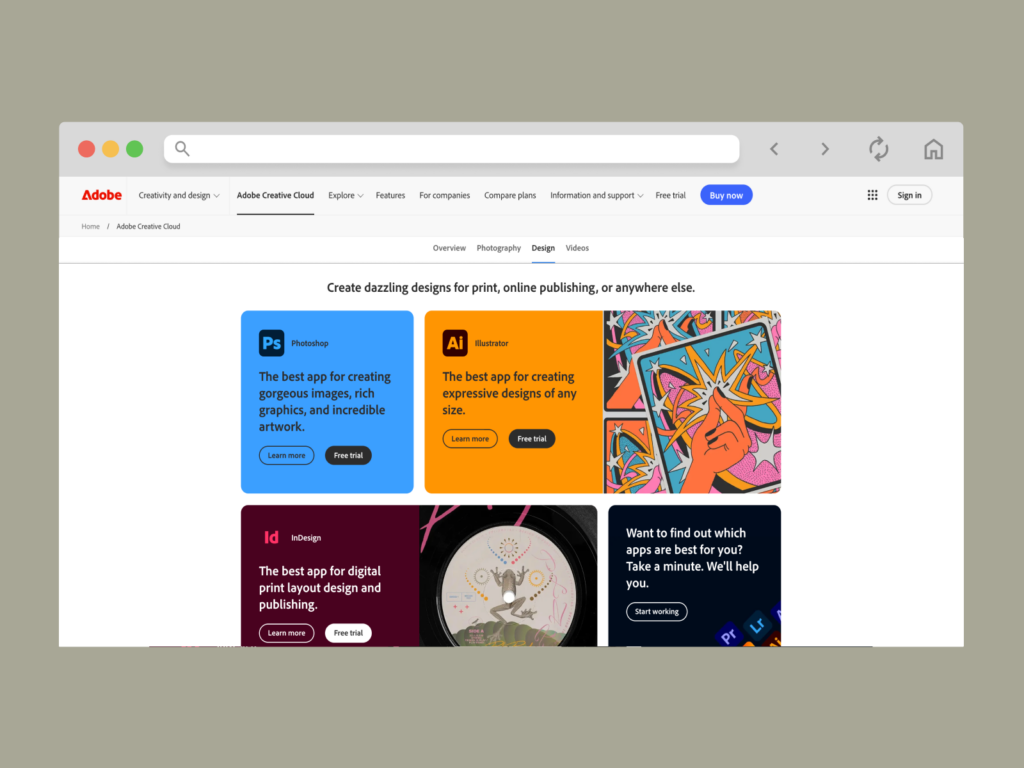
Adobe Express feels like a lightweight creative sidekick from the Adobe universe, built for quick visuals that still look polished. It works well for product graphics, launch creatives, and eye-catching promos that keep your audience curious and clicking through.
Key Features: For POD, it comes packed with branded templates for merch promos, posters, and short-form content, plus quick actions like background removal, image cropping, and one-click resizing for different channels. The AI aspect lets you generate images, insert or delete objects, and create one-of-a-kind designs for your Etsy store.
Tight integration with Photoshop, Firefly, and other Adobe apps means you can grab assets from your library, remix them in Express, and push them back into larger projects without breaking your flow.
Best for: Mixing product designs with promo graphics across different social and POD platforms.
Pros:
- Powerful tools and features for many different needs, not just product designs.
Cons:
- Some advanced magic, assets, and brand controls unlock only after upgrading from the free plan.
Pricing: Generous free plan, with paid plans that add more assets, AI credits, and collaboration perks.
Learn how to design with Adobe Express and create resizable graphics for products, socials, and successful email marketing campaigns.
3. Canva
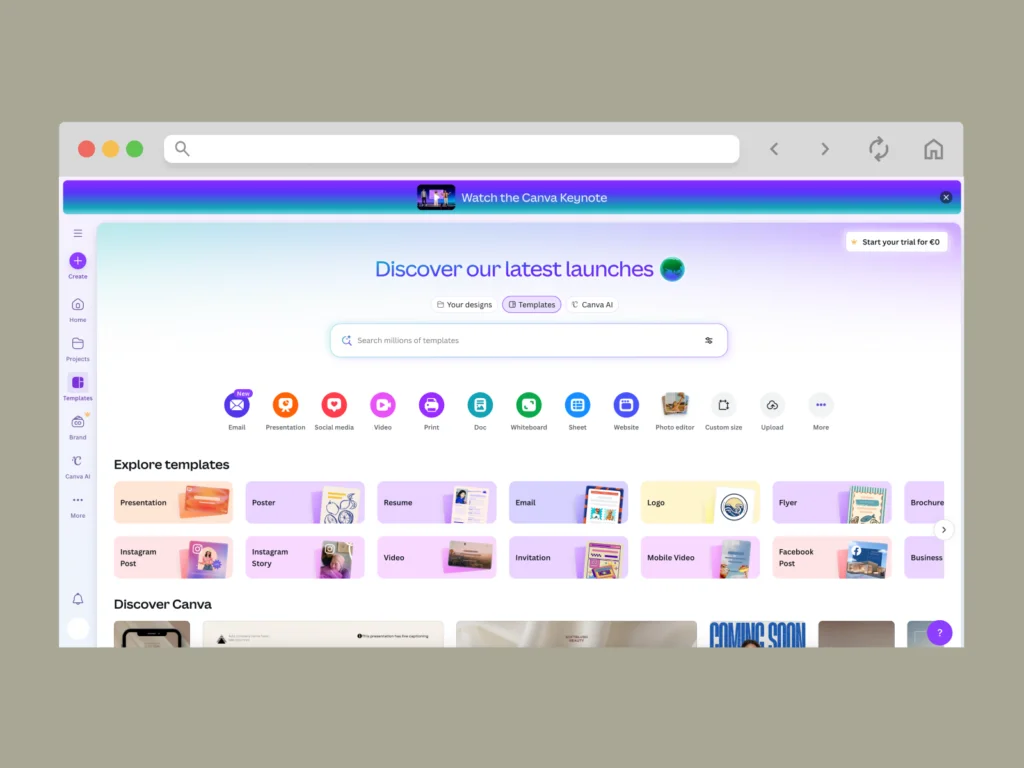
Canva is the internet’s shared whiteboard for people who swear they’re “not designers” yet somehow run full print-on-demand shops. You drag, drop, and remix visuals for product images, banners, and emails without reading a single manual.
Key Features: Canva’s strength lies in its huge template library for merch graphics, banners, lookbooks, and simple product visuals. You drag in photos, shapes, and typography, then adjust everything with snapping guides, grids, and effects.
Magic tools handle background removal, layout suggestions, and quick text styling, while the content planner helps you map designs into posts and campaigns.
Best for: Beginners who want one hub for product graphics, promos, and light mockups.
Pros:
- Friendly interface that supports collaboration, folders, and shared assets for growing eCommerce businesses.
Cons:
- Heavier, layered artwork can feel clunky in the browser compared to desktop apps.
Pricing: Strong free plan, with paid plans adding more storage, premium assets, and automation features.
Learn how to make money on Canva and get more insights on the best tools and features on the platform.
4. Kittl
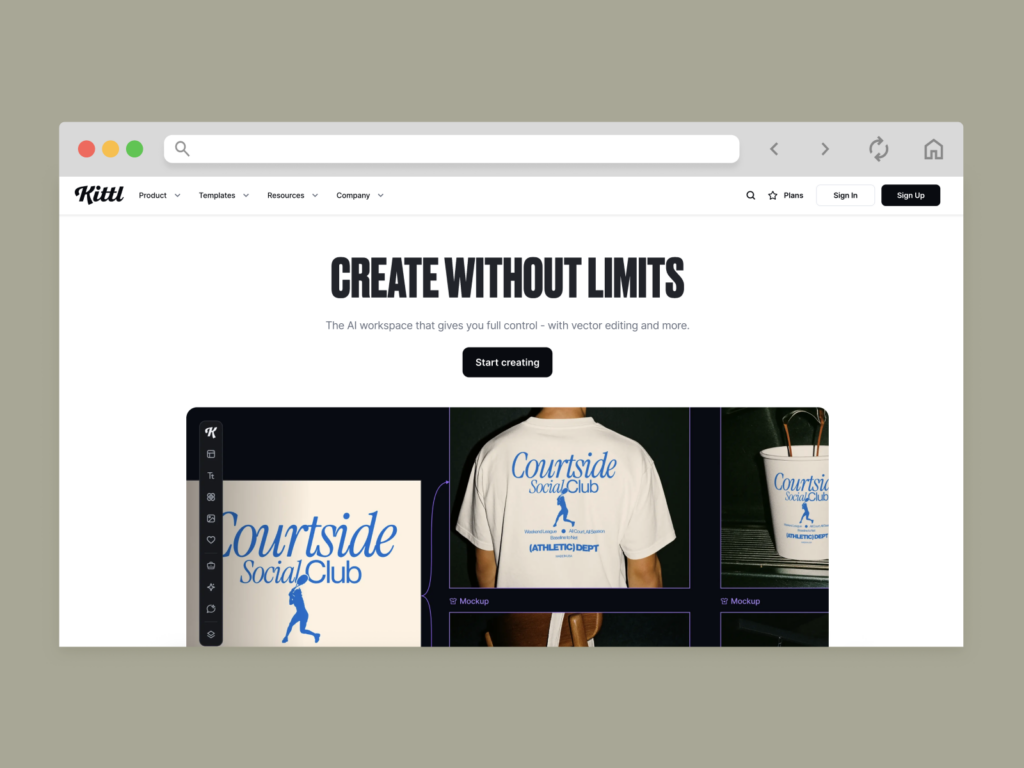
Kittl feels like a playground for typography nerds and retro-merch lovers, perfect for statement tees and bold poster art. It gives your lettering the rockstar treatment while keeping the workflow friendly enough for side hustlers and busy shop owners.
Key Features: Kittl combines powerful typography tools with a built-in AI image generator that’s tailor-made for merch concepts. You can prompt scenes, icons, and textures, then instantly remix them into your layouts. Real-time text warping, shading, and decoration effects turn simple phrases into logo-level graphics, while texture overlays add that worn, vintage, print-ready feel. A deep library of vector ornaments, badges, and illustrations lets you build full designs fast, then export resizable files for shirts, posters, stickers, and other POD formats.
Best for: Text-heavy designs, badges, logos, and vintage-style merch that needs personality.
Pros:
- Fantastic for grinding out consistent, on-brand graphics for a niche print-on-demand business.
Cons:
- Some exports, vectors, and fancier tools sit behind higher paid plans.
Pricing: Offers a flexible free plan, with paid plans that unlock vector downloads, more assets, and stronger workflow support.
5. Photopea
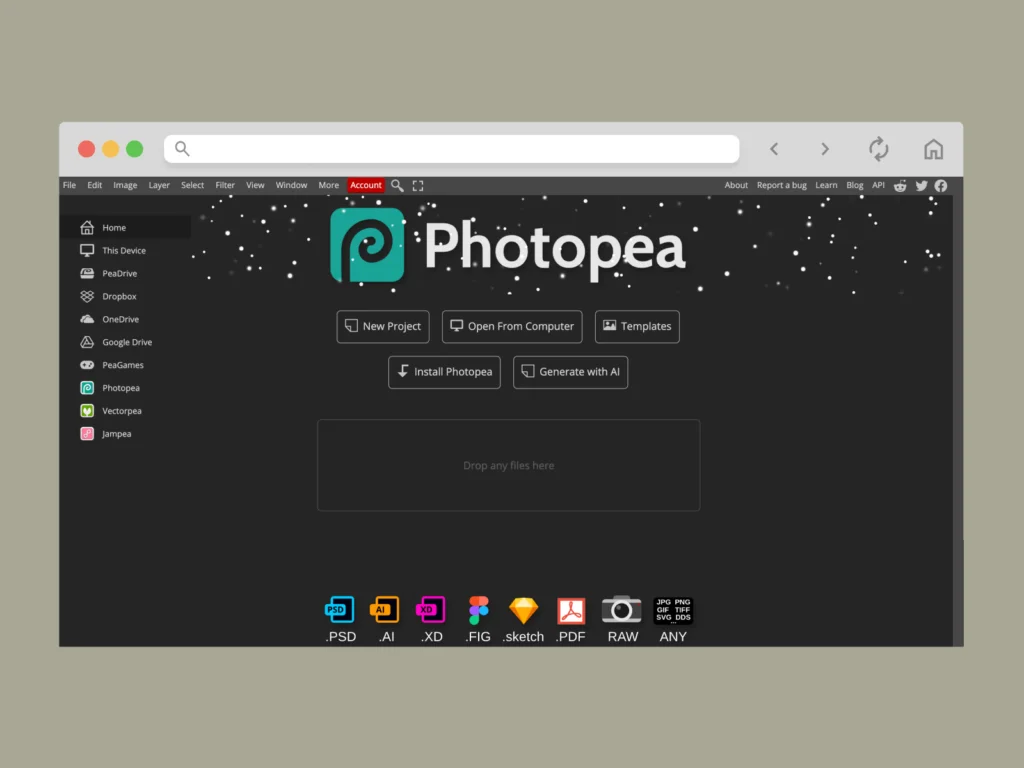
Photopea lives in your browser but behaves like serious desktop software, which makes it a handy fixer for tricky product photos and layered artwork. You open the file, tweak every pixel, and step back into your POD workflow without installing anything.
Key Features: Photopea opens layered PSD files, vector artwork, and a huge range of image formats directly in the browser, no installation needed. You work with familiar tools like masks, smart objects, blend modes, adjustment layers, and filters, which makes complex edits feel similar to desktop workflows.
Retouch photos, refine logos, and prepare layout files in one place, then export in formats suited for print-focused projects.
Best for: Detailed edits, retouching, and last-minute fixes on product images and mockups.
Pros:
- A surprisingly powerful option for professional graphic design software fans who love browser freedom.
Cons:
- Ads in the interface can feel noisy during long editing sessions.
Pricing: Free to use with an optional paid version that removes ads and supports ongoing development.
6. Creative Fabrica Studio
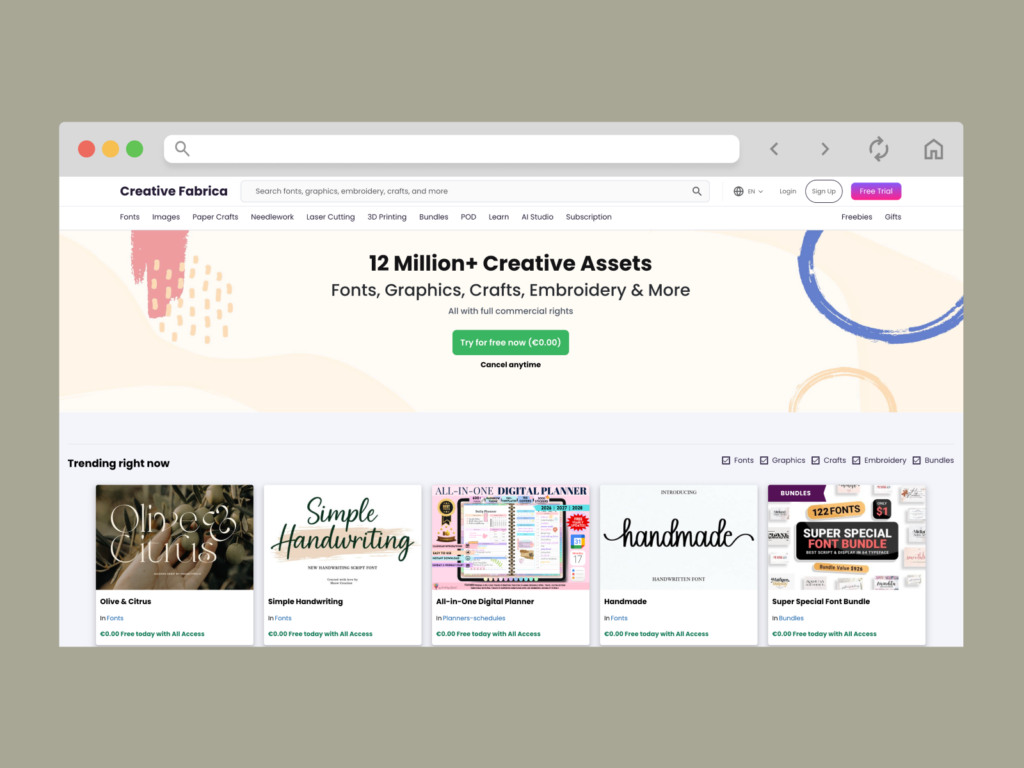
Creative Fabrica Studio feels like a candy store for POD creators, with fonts, graphics, and textures stacked in every aisle. It’s built for on-demand businesses that want fast, branded visuals without hunting assets across ten tabs.
Key Features: Studio bundles an AI Image Generator, AI editor, quote and logo tools, plus a browser-based designer where you mix text, vectors, and millions of assets. You get a generous library of fonts, graphics, and stock images, smart file tools like converters and compressors, and a license tailored for commercial use across print-on-demand tools and marketplaces.
That combo helps you match any target audience while sharpening your design skills over time.
Best for: Asset-heavy POD designs, bundles, and print-ready compositions.
Pros:
- Huge asset library and AI tools that speed up design production for small businesses and growing shops.
Cons:
- The sheer number of options can be overwhelming at first.
Pricing: The Studio offers a free trial, along with subscriptions for full asset access and ongoing usage.
7. Procreate
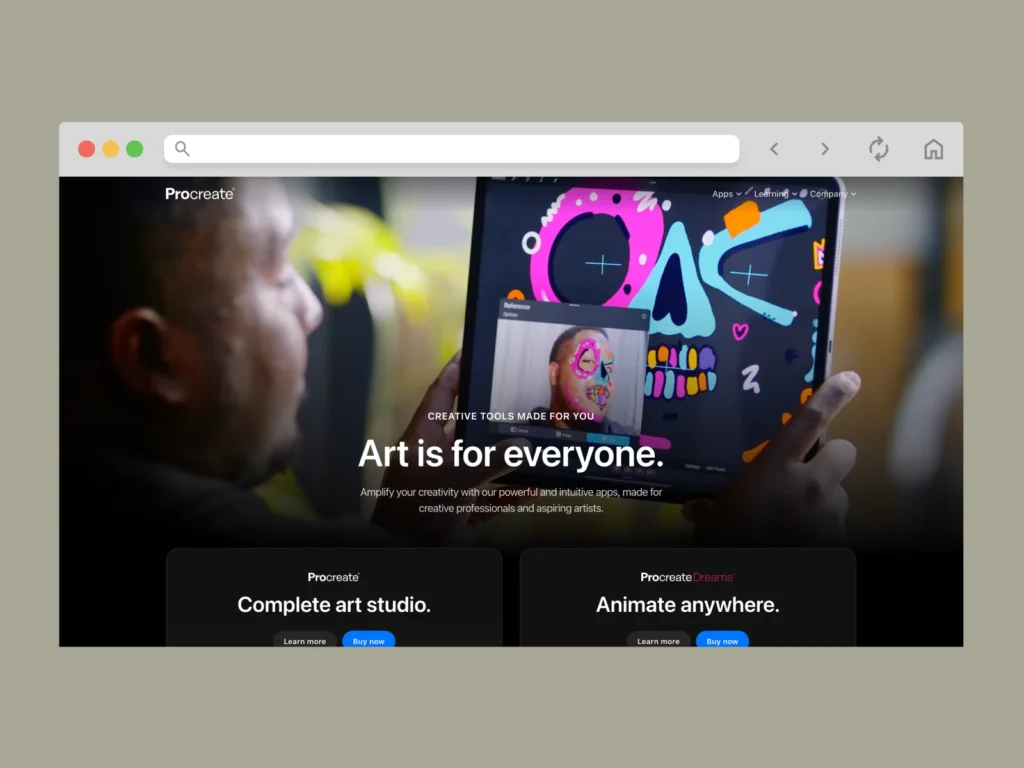
Procreate turns your iPad into a sketchbook, studio, and inking desk in one, which makes it a dream for artists feeding a print-on-demand business with original artwork. You paint, ink, and shade directly on the screen, then send finished pieces into your POD pipeline.
Key Features: You get layered canvases, advanced brush engines, time-lapse recording, and color controls that help you create stunning illustrations for apparel, posters, and more. Pressure-sensitive brushes, blend modes, and custom palettes give you fine control, so every stroke can serve your target audience and niche.
Large canvas sizes and export options keep your files POD-friendly at high resolution.
Best for: Hand-drawn designs, characters, and painterly merch graphics.
Pros:
- One-time purchase that feels like owning a portable art studio.
Cons:
- iPad-only, so no direct browser version for quick tweaks.
Pricing: Paid app with a single upfront fee, no recurring subscription.
8. Midjourney
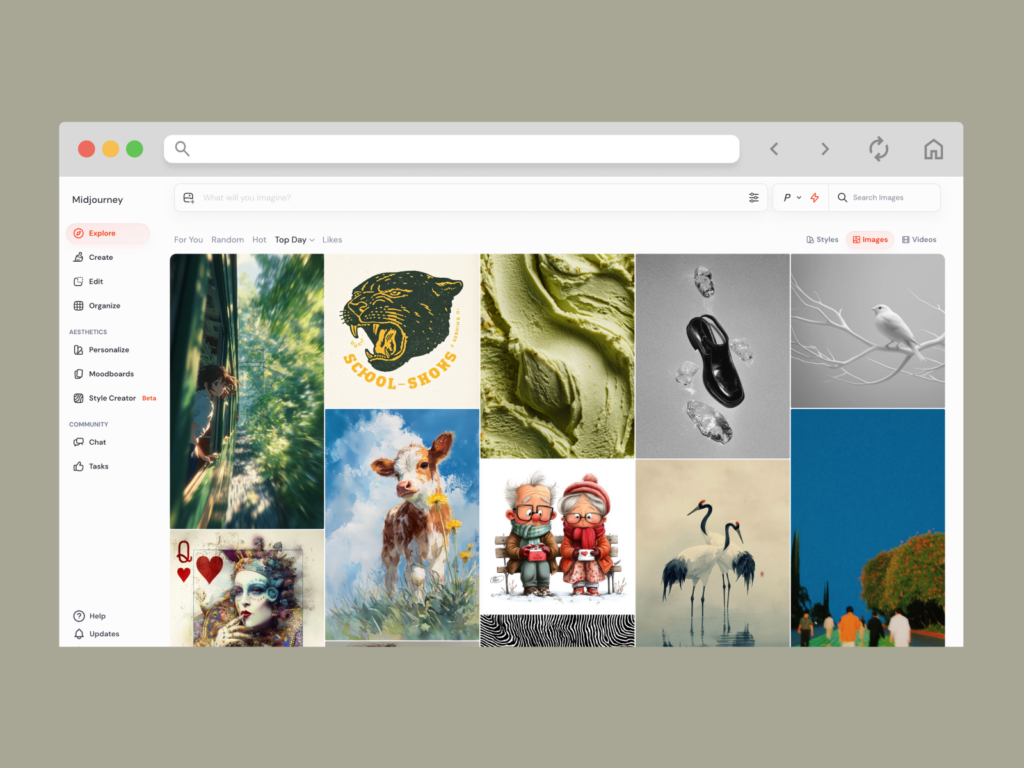
Midjourney is your slightly chaotic AI muse: you throw in a prompt, and it returns wild concepts that can spark new product lines. It shines when you want fresh visual ideas faster than your sketchbook brain can keep up.
Key Features: Running through Discord, Midjourney generates scenes, patterns, and truly authentic illustrations from plain text prompts. You upscale, remix, and batch-generate variations, turning it into one of the most flexible on-demand tools for idea exploration. It pairs nicely with editing apps that refine outputs into POD-ready art.
Used thoughtfully, it can feed a steady stream of motifs for print-on-demand catalogs.
Best for: Concept art, backgrounds, and idea generation for merch.
Pros:
- Massive variety of styles on tap for busy print-on-demand creators.
Cons:
- Requires manual refinement and license checks before commercial use.
Pricing: Paid plans on a subscription model, with different tiers for usage.
Learn how to use Midjourney to find smart solutions for your POD business and generate AI art with advanced features.
9. Placeit
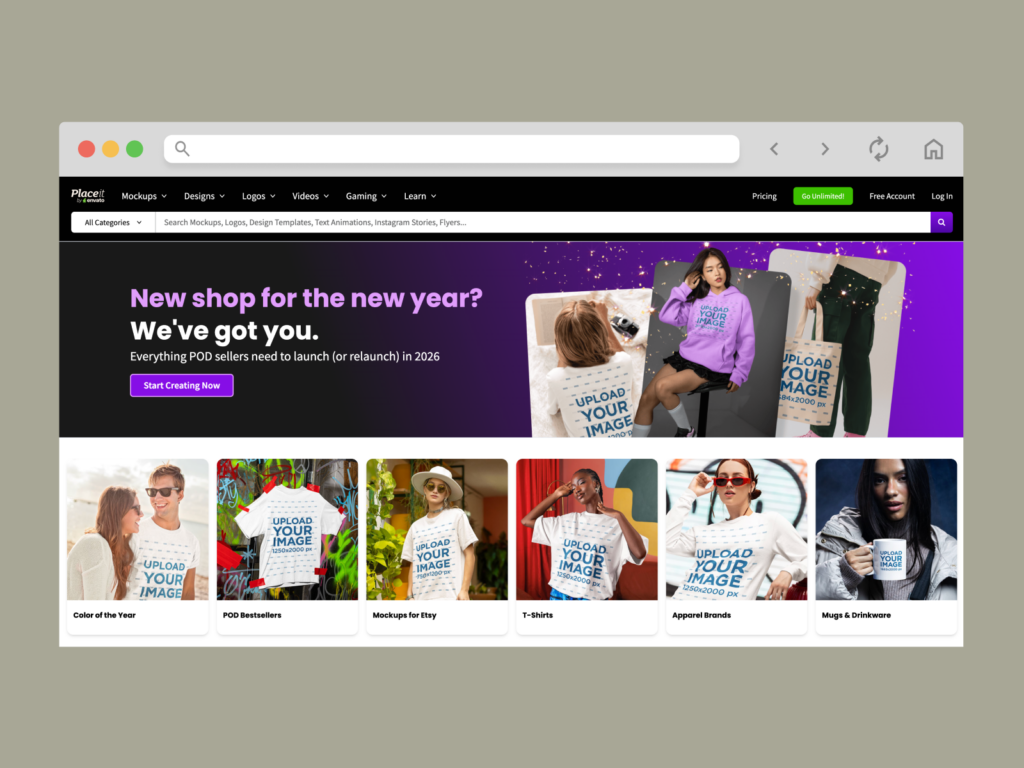
Placeit is your “instant brand visuals” machine, ideal when you need products, promos, and social media posts to look polished today, not next month. It focuses on mockups, ready-made designs, and short videos that plug directly into your marketing.
Key Features: You drop designs onto apparel, mugs, tech gear, and more using a huge mockup library, then export for your online store, ads, or landing pages. Placeit also offers logo templates, simple design layouts, and video tools that support quick mockup creation and promo clips across different platforms.
It works well alongside your usual scheduler or social media management tool.
Best for: Product mockups, promo graphics, and simple merch designs.
Pros:
- Fast way to showcase the best print-on-demand products without ordering samples and hiring a photographer.
Cons:
- Designs are more template-driven than fully custom.
Pricing: Individual downloads or a subscription, depending on usage.
10. Vecteezy Editor
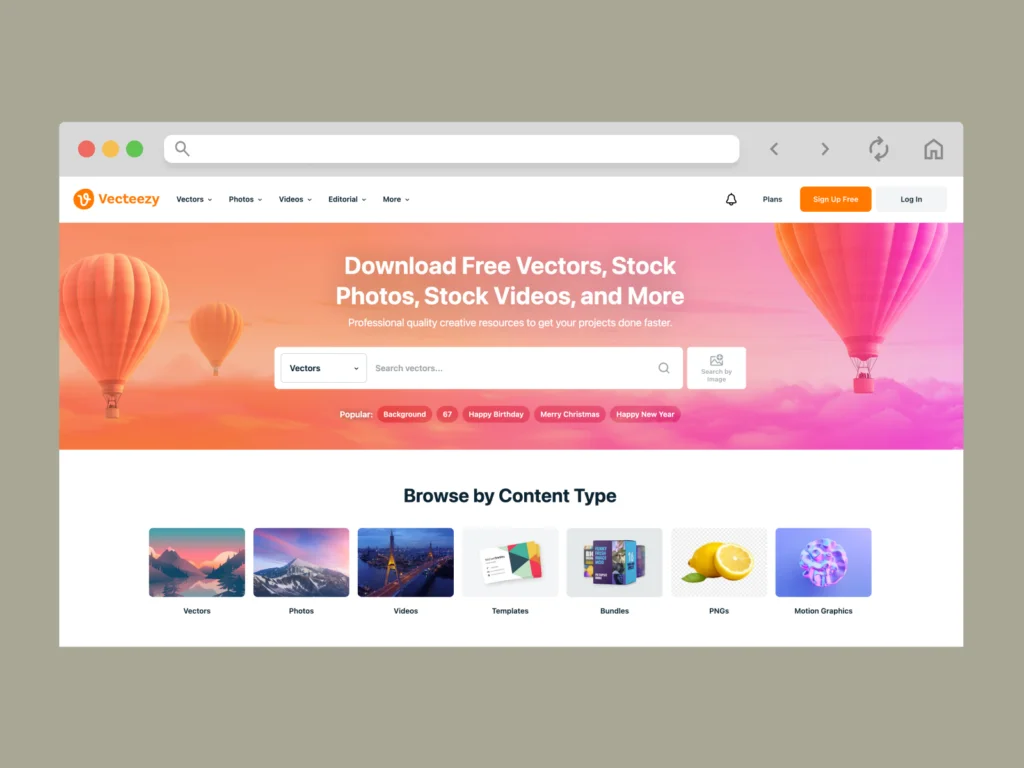
Vecteezy Editor is a browser-based vector studio that feels like a lighter cousin of Adobe Illustrator, ideal for creating logos, icons, and clean merch graphics. You can jump in even with modest design skills and still come out with sharp, scalable art.
Key Features: The editor lets you create graphics using shapes, paths, and text, then tweak them with grids, snapping, and transformations. Because it’s wired into the Vecteezy library, you can start from existing vectors or find free images, customize colors, and adapt them for product designs or web pages.
That makes it one of the best tools for tight, vector-based designs across multiple platforms.
Best for: Logos, icons, badges, and clean vector merch.
Pros:
- Great for POD-ready vectors without investing in heavy desktop suites.
Cons:
- Most useful when you already work inside the Vecteezy ecosystem.
Pricing: Free editor with optional paid plans for broader asset access and licensing.
How to make POD-ready designs with any tool
No matter which editor or on-demand tools you use, the recipe for crisp, sellable designs is basically the same. Treat this like your mini checklist for the best print-on-demand results:
- Set your canvas: Start at 300 DPI and match the exact print size your product needs.
- Work in RGB: Most POD printers convert from RGB; avoid super-neon colors that rarely print well.
- Stay in the safe area: Keep art inside the printable zone to dodge awkward trims.
- Keep details clean: Skip ultra-complex textures and tiny lines that vanish on fabric.
- Test with mockups: Preview designs on products and across different platforms before publishing.
- Export smart: Use PNG for transparent designs and SVG for sharp vectors.
- Use legal art only: Original work, licensed assets, or AI from trusted tools only.
Follow this flow, and every file you upload will work harder for your designs and long-term business growth.
Print-on-demand tools: Frequently asked questions
Short answer: no, you generally can’t use copyrighted images for Print on Demand unless you own the rights or have a clear commercial license. That includes movie stills, band logos, and random Google images. If you want a stress-free print-on-demand business, stick to original art, licensed stock, or POD-safe libraries.
High-resolution POD designs start with a large canvas (at least 300 DPI at final print size), clean vectors, or big source photos. Draw or layout in apps like Procreate or Kittl, then export PNG or SVG. You can also use AI tools and upscalers to sharpen artwork for custom products and get the best print results.
Yes. Printify’s Product Creator is a built-in design tool made specifically for POD. You pick a product, add artwork or AI-generated graphics, preview mockups, then publish to your store. Together with routing orders and inventory management behind the scenes, it’s one of the most practical print-on-demand tools for keeping upfront costs low and design process stress-free.
There isn’t one single best design platform for Print on Demand. Many sellers mix Canva, Adobe Express, Kittl, and Printify’s Product Creator to cover artwork, mockups, email marketing, and landing pages. The best print-on-demand stack matches your design skills, sales channels, and catalog size rather than chasing one magic app.
For many POD sellers, the best software for print designs is simply Printify’s Product Creator with its various tools and beginner-friendly interface. It shows exact dimensions and print areas for every product, lets you build patterns, add text and emojis, use free graphics, and generate AI images. You design, preview, and launch print-ready layouts without opening any other editor.
Using Canva for Print on Demand is legal when you follow Canva’s content license. You can use their POD-approved elements and templates, but you can’t trademark them or claim them as exclusive art. Always check which assets are cleared for repeated sales on POD and other platforms like Etsy or Amazon.
Conclusion
From top-quality t-shirt designs to targeted email campaigns, social media posts, and one-of-a-kind branding elements, you now have a whole ecosystem of print-on-demand tools to fuel your next launch. Adobe Express, Canva, Kittl, Creative Fabrica Studio, Midjourney, and more offer smart suggestions, templates, and handy features to enhance your art.
Then Printify closes the loop. Drop your artwork into the Product Creator, line it up on real products, and publish straight to your store. Ready to test a new idea? Spin your next design into a sellable product today.