

Your digital design often loses its true essence when translated to a physical product or a digital preview. Vibrant RGB hues fall flat, and intricate details lose their edge, leaving your custom portraits looking like a cheap digital sticker on a garment mockup. The solution is to master advanced mockup strategies for true color fidelity and realistic presentation. This guide will walk you through bridging RGB and CMYK, using texture mapping, and using Printify's specialized tools to achieve unparalleled authenticity in your product previews.
Bridging RGB and CMYK colors
The RGB and CMYK difference
Digital screens display color using light (RGB), while garment printers apply color using ink (CMYK). The RGB spectrum can display hyper-saturated neons and glowing backlights that physically cannot be replicated on cotton fabric. This fundamental difference is the root cause of color discrepancies and unmet expectations for artists who prioritize exact color palettes in custom portraits. This mismatch can lead to customer disappointment and damage your brand's reputation for quality.
The gamut shield: Safeguarding your colors
For the 8,477 artists striving for pixel-perfect representation, your artwork's color integrity is paramount. Never upload a raw RGB file directly to your store mockup without checking for out-of-gamut colors. This seemingly small oversight can lead to customers expecting vibrant neons that physical print simply cannot achieve.
Solution: Master the art of soft-proofing. Action: Use professional design software (like Adobe Photoshop or Illustrator) to preview your artwork under a CMYK profile before uploading. This crucial step instantly dulls down unrealistic neons on your screen, preventing your customer from expecting a vibrancy that physical print cannot achieve. By proactively managing this, you ensure their expectations match reality, preserving your artistic integrity and avoiding customer disappointment. This attention to detail protects your profitability by minimizing returns and building trust with your partners.
Elevating realism with fabric fidelity
The digital sticker dilemma
As an artist focused on premium aesthetics, you know the frustration: Generic, perfectly smooth digital mockups often make your intricate custom portraits look like cheap digital stickers slapped onto a garment. This flat, unintegrated look directly conflicts with the high-quality, embedded feel you aim to convey, undermining the perceived value of your art and the tactile experience of a real printed product. Your hard work deserves to be presented with the same quality you put into creating it.
Texture mapping metrics
For the 12,203 business owners who refuse to compromise on presentation, it's time to drop the fake, perfectly smooth digital mockups. These static images fail to convey the premium quality and authentic feel of your unique custom portraits.
Solution: Embrace advanced, AI-driven mockup technology. Action: Use AI-driven mockup tools designed to overlay your artwork onto real, high-definition fabric textures that capture authentic wrinkles, weaves, and natural drapes. This sophisticated process digitally embeds your graphic into the weave of the shirt, preventing the design from looking like a superficial sticker online. It’s the key to accurately representing the true look and feel of your printed garments, translating your premium aesthetic convincingly from screen to customer. This approach elevates your perceived quality, enhancing your sales and strengthening your brand.
Mastering underbase simulation for apparel
DTG underbase for dark fabric
Printing custom portraits on dark apparel presents a unique challenge: The necessity of a white underbase layer in direct-to-garment (DTG) printing to ensure your colors pop. Without a realistic representation of this underbase, your digital mockup risks appearing too dull or too artificial and glowing, failing to ground the preview in physical reality and impacting the artistic integrity of your work. Getting this right means your designs retain their intended impact, regardless of fabric color.
Using the Printify Product Creator
Unmatched mockup authenticity
To truly bring your vision to life, you need tools that understand the nuances of Print on Demand. This isn't just about showing your design; it's about showcasing it accurately.
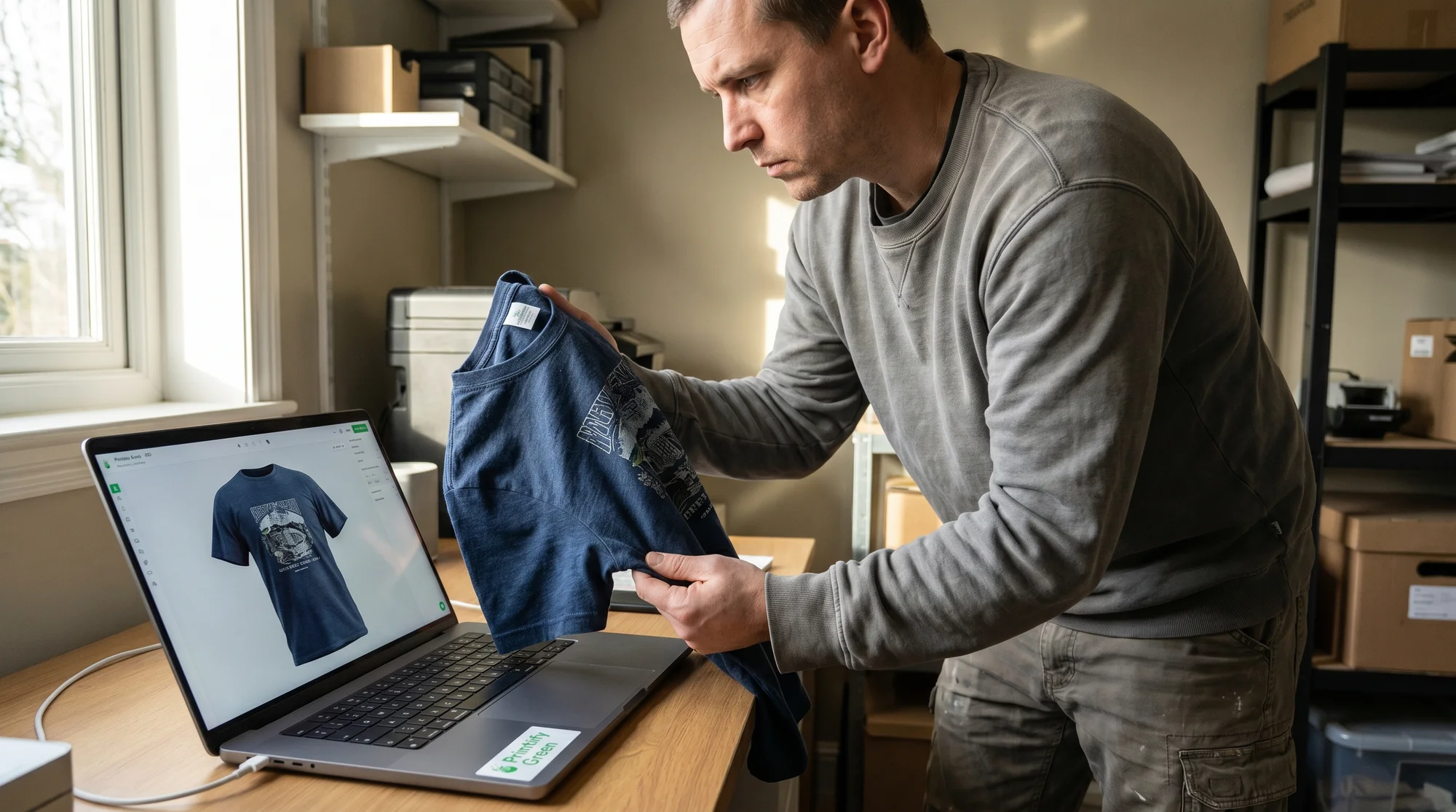
Solution: Use Printify's built-in mockup angles and life-like item previews. Action: Use Printify's built-in mockup angles and life-like item previews. For dark shirts, specifically emphasize using mockups that subtly simulate the presence of the DTG underbase. This critical feature keeps the preview grounded in physical reality, ensuring that even your most intricate dark apparel designs maintain their vibrant yet realistic appearance. Printify’s advanced tools provide the control you need to present your art exactly as it will appear, enhancing your premium aesthetics and strengthening your brand's reputation for quality. This allows you to scale your business with confidence, knowing your product previews are always authentic.
Delivering on your premium promise
Setting client expectations
Mastering these advanced mockup strategies is more than just a technical skill; it's a commitment to your craft and your partners. Accurate, realistic mockups build unparalleled trust, minimize returns due to color or texture discrepancies, and reinforce your reputation for delivering on your premium promise. This foundational trust is key to securing repeat business.
Why fidelity matters
Your art deserves to be seen and experienced exactly as you intended. By diligently applying these print fidelity techniques, you ensure that every intricate detail and specific color palette translates faithfully from your screen to the fabric, safeguarding your artistic integrity and elevating the perceived quality of every custom portrait you sell. This level of precision helps you build a lasting legacy.
Ready to translate your artistic vision with uncompromising fidelity? Elevate your online presence and delight your clients by incorporating these advanced mockup strategies. Open the Printify Product Creator today and experiment with its advanced features, especially the subtle DTG underbase simulation for dark garments. Start creating mockups that truly reflect the premium essence of your custom portraits, and bridge the gap between your digital masterpiece and your customer's tangible reality.