

Vector vs. Raster for Print-on-Demand: The Technical Resolution & Print Guide
Choose vector for sharp edges, raster for photos, and export at 300 DPI to stop rejections and ship products that print sharp.




4 results related to "DTG"
Choose vector for sharp edges, raster for photos, and export at 300 DPI to stop rejections and ship products that print sharp.

Rescue any failed low-res design in 10 minutes: denoise, upscale to 300 DPI, strip halos, export PNG, and pass Printify's quality check.

Learn the 6-step screen printing process and the exact 50-unit threshold that tells you when to switch from DTG testing to bulk scaling.
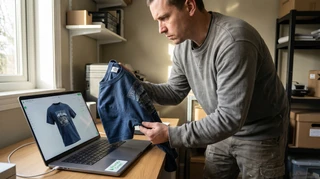
Master advanced mockup strategies for true color fidelity and realistic presentation. Bridge RGB/CMYK, use texture mapping, and Printify's tools for authenticity.