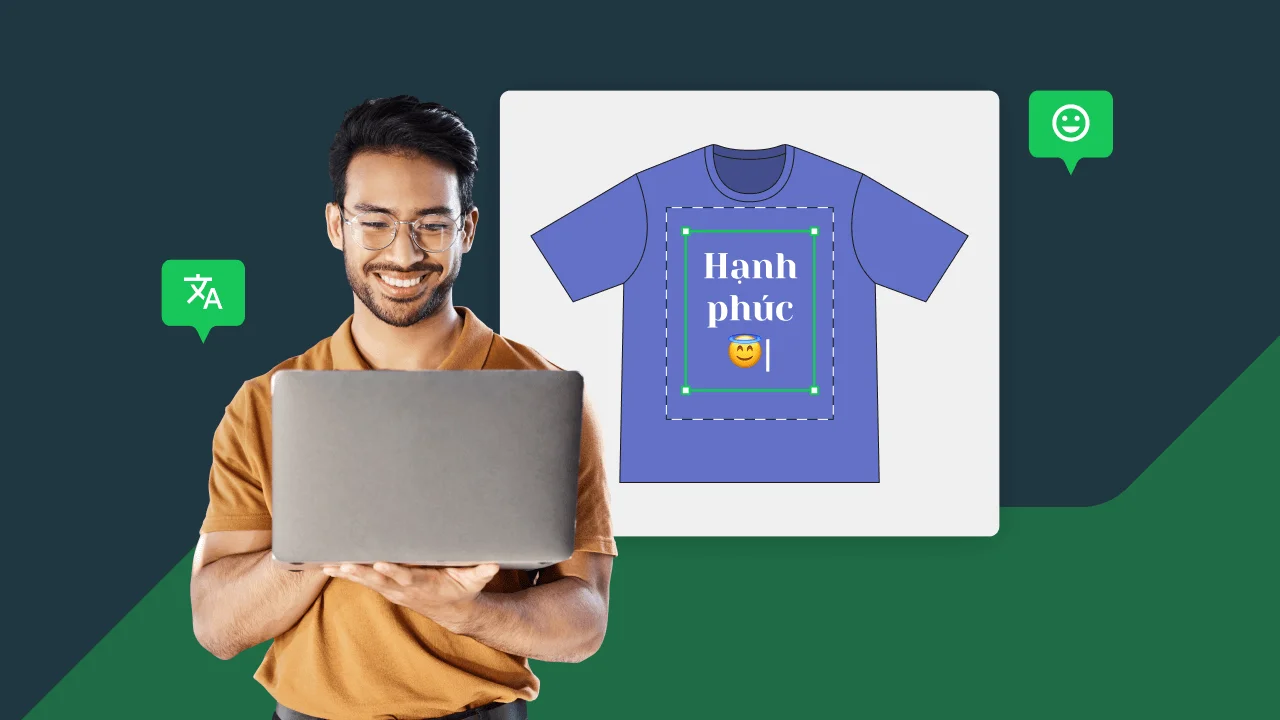
You asked, and we listened. Printify is delighted to announce that our Mockup Generator now supports new languages and emojis.
That means you’ll be able to express yourself more freely and communicate with your customers in their language – expanding into new markets or simply being more playful.
Express more with emojis
Did you know the global Emoji count grew to almost 3,500 in mid-2023? Additionally, 92% of internet users use them to make conversations more fun and convey thoughts and feelings better.
Pick from a wide selection of about 850 emojis on the Mockup Generator, or use the ones in the built-in sets. When using a smartphone or tablet, select the emojis as usual, and the Mockup Generator will apply the matching ones from its own collection.

The emoji can be printed on a product or included in packaging inserts.
Note
Due to licensing, it’s not possible to use Apple's proprietary emojis.
More freedom with multi-language support
We've also added multi-lingual support for the Mockup Generator, allowing you to add graphic assets with text in different languages and character sets. This includes Japanese, Chinese, Hebrew, Greek, or Cyrillic.
With this new feature, you can enter worldwide markets and expand your reach within your niche. The potential is nearly limitless – references to manga in Japanese, cold-war themes with Cyrillic inscriptions, Bollywood references in Devanagari, scriptures in Hebrew and Greek – you name it.

Not all fonts support every language and character set, but we offer an extensive list to cover all needs.
Note
We invite you to check the FAQ at the end of this article for a complete font list.
The Mockup Generator will show an error message if you try to type characters unsupported by the selected font.
When you click the font picker to select a suitable one, the Mockup Generator will automatically show only the fonts that support the specific character set you’re working with.
How to use the new features
Open a product on the Mockup Generator and click Custom text. Type your text in your preferred language.

The Mockup Generator may show an error message. Don't worry – if that happens, the default font (Roboto) doesn't support the chosen language.

Click on the font selector, and only fonts supporting that language will appear.

Pick a font – and your text will be displayed correctly.

Don't stop there. For more flavor and pizzaz, click the Emoji button, and choose one:

And there you have it – your custom shirt with new languages and emojis:

To summarize
We hope you enjoy the new features of the Mockup Generator. We always strive to provide assistance on your eCommerce journey and make it more fun for you and your customers. Remember that your success is our success! So let's excel at POD together.
FAQ – Font subsets
Below is a complete list of font subsets currently supported in Printify, along with their corresponding font families.