


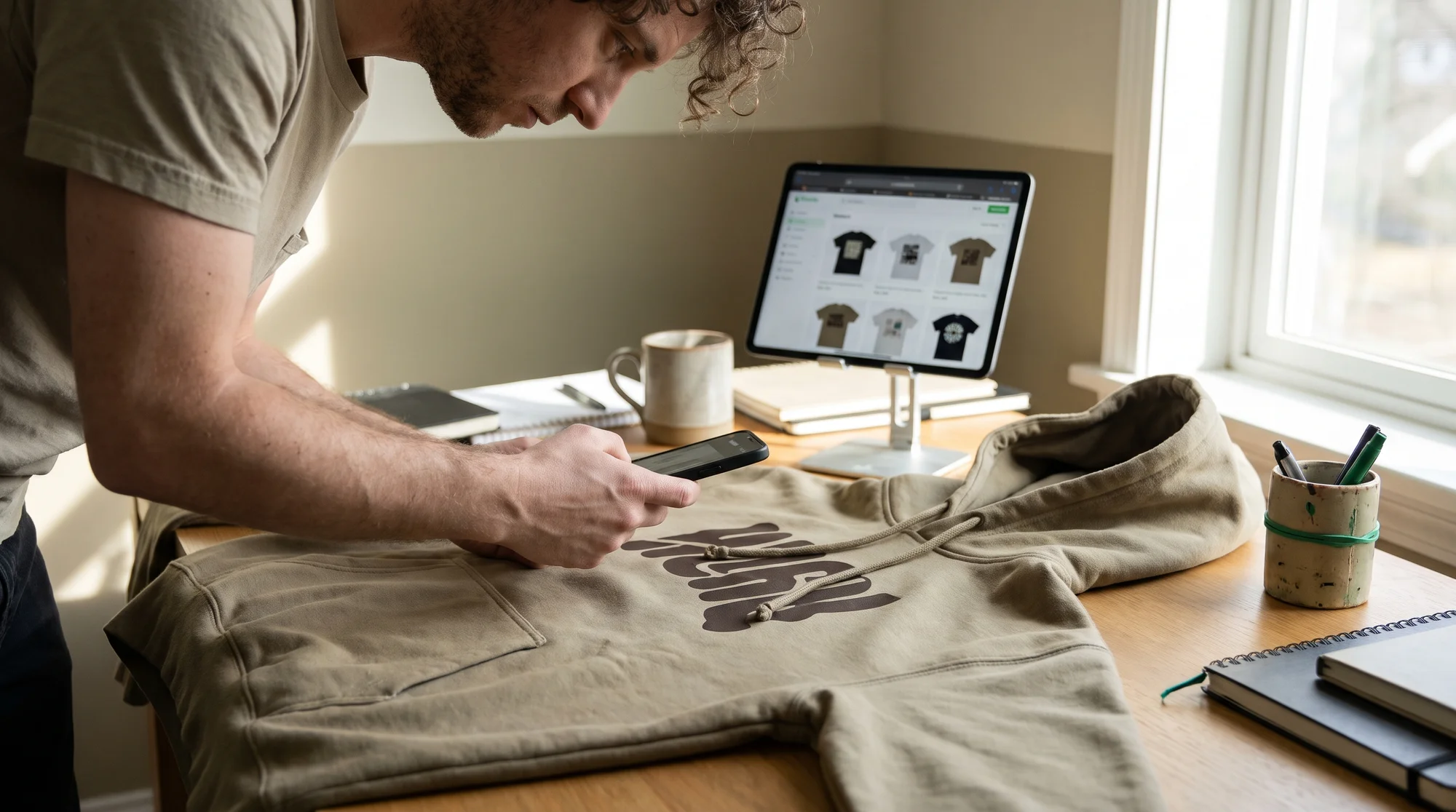
You just dropped $40 and waited five days on a sample for a design that sold exactly zero units, and that's the single most expensive habit killing your side hustle. The fix is a two-stage pipeline: validate new designs with free digital mockups first, then pour real photography only into the proven winner. Below, we break down how to launch 20-plus listings this weekend at zero media cost, spot your 1-in-20 winner, and upgrade it for a 25 to 40 percent conversion lift.
Here's the reframe that changes everything: mockups vs real photos was never a debate. It's a two-gear profit engine. Mockups are Gear 1 (speed and free validation). Real photos are Gear 2 (the conversion lift you earn after a design proves it can sell). Running your print on demand side hustle this way means you never spend a dollar on photography until the market has already voted with its wallet.
That's the smart-money approach. No wasted sample orders. No guessing. No over-investing in dead designs.
The core insight: two gears
Most sellers treat this as a binary choice and lose either way. Go all-mockups and your winners never hit their full conversion ceiling. Go all-real-photos and you bleed cash shooting duds. The pros run both gears in sequence.
Gear 1: speed and free validation
Digital mockups exist for exactly one job: finding a winner fast at zero risk.
- Zero-cost validation. Launch a design without buying a single blank.
- Rapid catalog expansion. Batch dozens of listings in a weekend.
- Full variant color matrices. Show 20-plus colorways instantly, no inventory required.
Your tools here are Printify's Product Creator for built-in lifestyle mockups, third-party platforms like Placeit (a tool Printify does not own), or custom Photoshop Smart Object files you build yourself. The goal is speed, not perfection. You're fishing for signal.
Gear 2: the earned conversion lift
Real photography, shot from an ordered sample, proves what a render never can: tactile material quality, print ink opacity, true-to-life garment color, and real-world fit. This is what lifts winning listings by 25 to 40 percent or more.
The rule is simple: you never earn Gear 2 until Gear 1 proves the design is already printing money. Photography is a reward for validated winners, not a gamble on hopefuls.
The 2-stage hybrid pipeline
Stage 1: validate free, launch fast
The problem: you don't know which designs will sell, and testing each one with a sample is slow and expensive. The solution: let the market decide before you spend a cent.
Action steps:
- Open Printify's Product Creator and deploy built-in lifestyle mockups across core blanks: the Comfort Colors 1717 Tee, Lane Seven Heavyweight Hoodie, 30oz Stainless Steel Tumbler, and Canvas Totes.
- Batch-create listings fast. Push 20-plus live across your store.
- Define your winner trigger before you start, for example your first consistent sales or a click-through-rate benchmark that beats the rest of your catalog.
- Let clicks and sales vote. Don't touch your wallet yet.
Stage 2: upgrade the winner
Once a listing clears your trigger, it has earned real investment.
- Order a discounted physical sample for that proven listing only.
- Shoot real macro shots (close-up on the ink and fabric) plus lifestyle photos.
- Add a short tactile listing video that shows the drape and texture.
- Swap the new media into the listing and watch the conversion lift land.
This is the repeatable money loop: test free, spot the winner, sample it, upgrade it, scale it.
Win the search-feed click war
The problem: in a crowded Etsy, Google, or Meta feed, sterile white-background renders blend into the noise and lose the click.
The solution: clean, natural-light lifestyle flat lays and authentic outdoor model shots outperform white-background mockups by roughly 2x in search feeds. A real-world scene stops the scroll. A floating white render doesn't.
When do white renders still matter? Inside the listing, on the variant grid. Once a shopper has clicked, a clean white image is the clearest way to display 20-plus colorways side by side. Use lifestyle shots to win the click, white renders to clarify the choice.
Kill "cheesy print" anxiety
Eliminate buyer hesitation
Shoppers carry real fear: stiff, shiny vinyl that cracks, or thin, see-through shirts that feel cheap. That hesitation kills conversions.
Real close-up macro shots remove the friction instantly. Show soft Direct-to-Garment (DTG) ink absorbed into heavyweight ring-spun cotton, like the Comfort Colors 1717 or Lane Seven Hoodie, and the buyer sees quality they can almost feel. Doubt disappears.
Protect your margins
Etsy's Creativity Standards penalize deceptive, low-effort renders that misrepresent physical scale. A misleading mockup doesn't just cost you a sale; it invites "Item Not as Described" disputes that eat your thin margins.
Authentic sample photos build listing authority and slash refund disputes. You set accurate expectations, so the product that arrives matches exactly what the buyer saw. That's how you protect profit on the back end.
Make free mockups look expensive
For the designers who want Gear 1 output to look like Gear 2, three Photoshop techniques close the gap.
Displacement maps
The problem: a flat PNG slapped at 100 percent opacity onto a wrinkled shirt screams fake. The fix: use Filter > Distort > Displace so your artwork warps naturally into the fabric's folds and creases. The graphic bends with the garment instead of floating above it.
Blend modes and ink opacity
Set your artwork layer to Multiply on light garments, or drop opacity to 92 to 96 percent with a subtle fabric-grain overlay. The result: the graphic reads as ink printed into the fibers, not a sticker pasted on the screen.
Build your own photo template
This is where Gear 1 speed meets Gear 2 realism:
- Shoot one physical blank sample, for example a Vintage Black Comfort Colors 1717, under diffused 5500K window light.
- Convert that photo into a reusable Smart Object template.
- Swap 50-plus designs onto your own real-world backdrop in minutes each.
Now every mockup you produce sits on authentic photography you own, no stock-render look, no licensing limits.
Your weekend action plan
Run the loop and it pays you back on repeat:
- Test free. Launch 20-plus listings with Product Creator mockups across your core blanks.
- Spot the winner. Watch for your sales or CTR trigger.
- Sample it. Order a discounted physical sample of the proven listing only.
- Upgrade it. Shoot real macro photos, lifestyle shots, and a tactile video.
- Scale it. Bank the 25 to 40 percent conversion lift and reinvest in the next test batch.
No wasted sample orders. No guessing. No over-investing in dead designs, just speed on the front end and real quality where it actually earns you money.
Articles in the Printify Knowledge Hub are researched, written, and published with the help of generative AI, and cover topics related to eCommerce and Print on Demand. They are for educational purposes only and do not constitute legal, financial, or business advice.
