


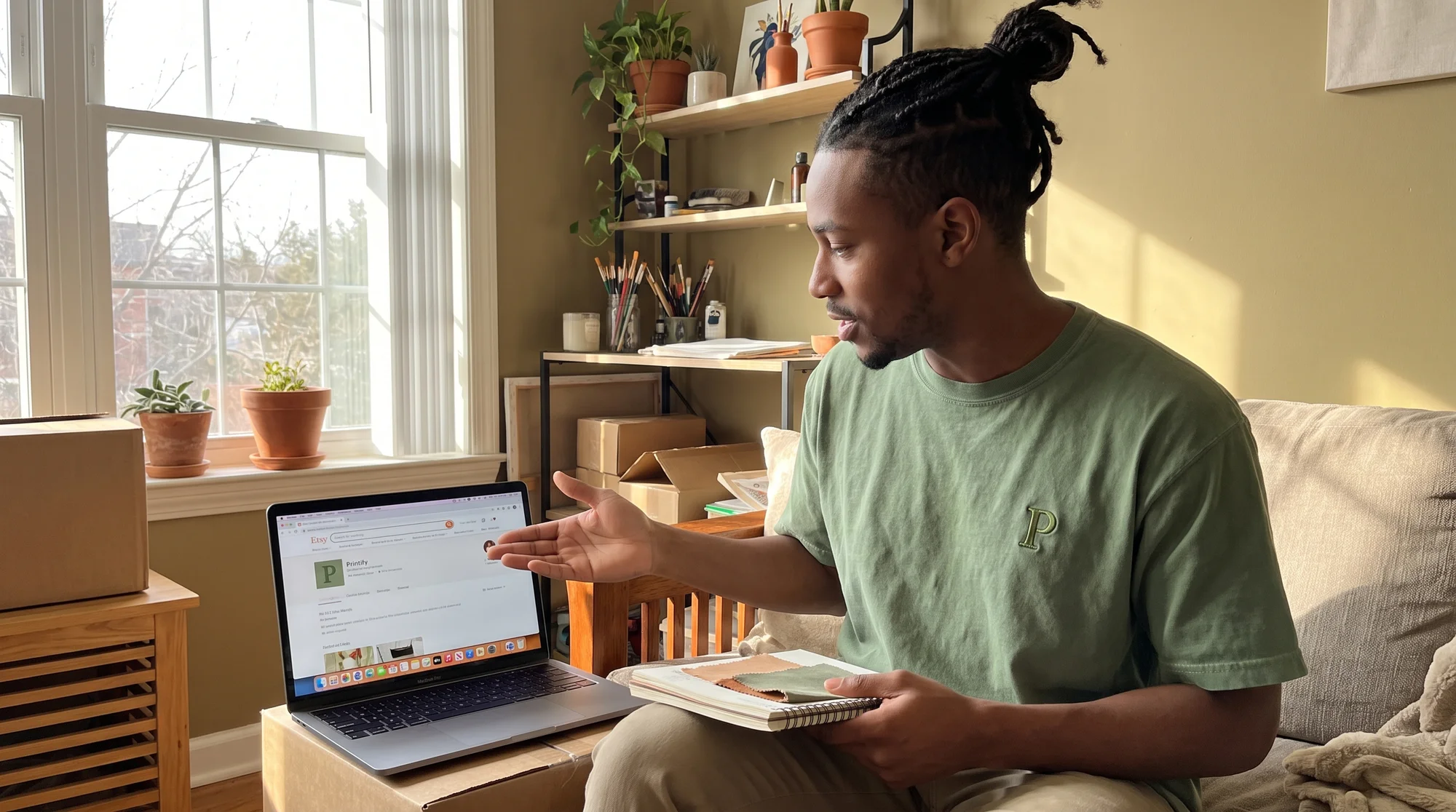
You uploaded the product, nailed the tags, and priced it to move — but the shop three listings above you keeps making the sale. The fix is a short, high-quality product video (5–15 seconds) that shows real-world movement, texture, and scale, which builds buyer trust and lifts conversions. Below, you'll get Etsy's exact technical specs, four Print on Demand filming setups that actually convert, and a 48-hour plan to go from sample-in-hand to spec-perfect listing video before the weekend's over.
Why competitors win conversions
The polished listing problem
Static mockups all start to look the same in crowded search. When ten listings show the same flat-lay tee, shoppers scroll past every one of them — including yours. Real footage breaks the pattern. A short clip of fabric catching the light or a hoodie draping over a shoulder tells buyers, "This is a real product from a real shop," in a way no mockup can.
How Etsy rewards video
Etsy wants shoppers to stay, browse, and buy. Listings with video hold attention longer, and longer engagement signals quality to Etsy's search. More engagement often means more views, and more views mean more chances to sell. You're not just adding a video — you're giving the algorithm a reason to show your listing more often.
The hustler math
Think of it this way: a 10-second clip you film once keeps working 24/7. Every visitor who bounces because your listing looked "flat" is money left on the table. Spend 30 minutes filming this weekend, and you stop losing carts you already paid to attract with your tags and ads.
Etsy video technical specs
Get these right the first time so your upload doesn't bounce back. These specs are mandatory — miss one and Etsy either rejects the file or displays a blurry, low-effort clip that hurts more than it helps.
Duration — 5 to 15 seconds
Etsy accepts 3 to 15 seconds, but stay in the 5–15 sweet spot. Too short feels like a glitch. Fifteen seconds gives you room to show detail, movement, and context without losing the scroller.
File formats — .mp4 or .mov
Stick to .mp4 or .mov. Both are the most common, upload-safe formats and are what your phone already records by default. No conversion headaches.
File size — under 100 MB
Keep your file under 100 MB. If your export runs large, trim the length or lower the bitrate slightly — 1080p at 10 seconds sits comfortably under the limit.
Resolution — 1080px minimum
Aim for at least 1080px on the short edge. Don't settle for 500px "just to have something up." Grainy video reads as low quality and can cost you the sale you were trying to win.
Aspect ratio — 1:1 or 2:3
Use a 1:1 square or 2:3 vertical portrait. Both are mobile-first, and most Etsy shoppers browse on their phones. Vertical footage fills more of the screen and stops the thumb.
No audio — let visuals sell
Etsy videos auto-play muted. Nobody hears your voiceover or background track, so let the visuals do 100% of the selling. Focus every second on what the camera shows, not what it says.
Quick-reference spec cheat sheet
Screenshot and save this before you film:
- Duration: 5–15 seconds (3–15s accepted)
- Format: .mp4 or .mov
- File size: Under 100 MB
- Resolution: Minimum 1080px short edge
- Aspect ratio: 1:1 square or 2:3 vertical
- Audio: None (plays muted)
- Videos per listing: Up to 2
How to add videos
You can add up to two videos per listing. Here's how:
In Shop Manager (desktop):
- Go to Listings and open the listing you want to edit.
- Scroll to the Photos and video section.
- Click to upload your video file, then save.
In the Etsy Seller app:
- Open the listing and tap Edit.
- Tap the media section and select Add video.
- Choose your clip and save.
4 POD setups that convert
Shoppers can't touch your product, so your video has to do it for them. These four setups cover the exact questions buyers ask before they add to cart: How does it look up close? How does it fit? What's the quality? Would it look good on me?
Setup 1 — Print detail close-up
The problem: Buyers worry that print-on-demand prints look cheap or cracked.
The fix: Film a slow, tight pan across the print. Show the fabric grain and the crispness of the DTG or DTF ink sitting in the weave.
Action: Get within a few inches, move the garment slowly under window light, and hold focus on the design edges where detail is sharpest.
Setup 2 — 360° hanger spin
The problem: Shoppers can't tell how a garment drapes or whether the fit is boxy.
The fix: Hang the piece and rotate it a full turn to prove drape, shape, and clean seams.
Action: Put the garment on a single hanger, hold your phone steady, and slowly spin the hanger 360 degrees over about 8–10 seconds.
Setup 3 — Unboxing clip
The problem: Buyers fear a print-on-demand order will feel like generic dropship.
The fix: Capture the premium unboxing moment — the reveal, the fold, and the first touch.
Action: Film hands lifting the folded garment out of the packaging and shaking it open. Keep it smooth and unhurried to signal quality.
Setup 4 — Lifestyle wearability shot
The problem: Flat mockups don't show scale or how a piece moves on a real body.
The fix: Film the garment worn — a shoulder turn, a walk, or a hood flip — to show real-world context and fit.
Action: Have someone wear it near a window, then capture one natural movement. Movement is what static images can never fake.
The 30-minute filming order
Capture all four in one session, in this order, to avoid re-staging:
- Unboxing (0–8 min) — film it while the garment is still folded and fresh.
- Print close-up (8–15 min) — lay it flat and get your detail shots.
- Hanger spin (15–22 min) — hang it and do your 360.
- Lifestyle (22–30 min) — put it on and film movement.
Zero-budget gear list
You already own everything you need:
- Your phone — modern phones shoot in 1080p or higher.
- A window — soft, natural daylight beats any ring light for free.
- One hanger — for the spin.
That's it. No studio, no crew, and no expensive rig.
Why mockups aren't enough
The authenticity gap
Shoppers spot generic or AI-generated footage instantly, and the moment they sense something's off, trust drops. Real footage of your real product closes that gap. It answers the silent question every buyer asks: "Is this shop legit?"
Physical samples move carts
A mockup can make a product look nice. A physical sample in your hands is the difference between "looks nice" and "add to cart." When you film the actual blank you'll ship, you show buyers exactly what lands on their doorstep — and that honesty converts.
Order a sample, film this weekend
How sample ordering works
You don't need to buy bulk inventory to get filming. Printify's sample ordering lets you buy your own products at your production cost, so you get a real, shippable item in hand without a markup. It's the lowest-risk way to build authentic footage — you're spending pennies compared to what one extra sale returns.
How to order:
- Open the product in your Printify Catalog and finish it in the Product Creator.
- Select Order sample at checkout.
- Ship it to your address and film the moment it arrives.
3 best-converting blanks
Start with blanks that film beautifully and sell consistently:
- Comfort Colors 1717 — the garment-dyed texture films beautifully and reads as premium on close-ups.
- Lane Seven Hoodie — the premium weight makes for a satisfying unboxing clip.
- Gildan 18000 Crewneck — a versatile bestseller that shines in lifestyle shots.
Your 48-hour timeline
- Day 1: Order your sample and plan your four shots. Save the spec cheat sheet.
- Day 2: Sample arrives → film all four setups in 30 minutes → export to spec (1080p, 1:1 or 2:3, under 100 MB, no audio) → upload to your listing.
Two days from order to spec-perfect video, live and selling.
Fast FAQ
How many videos per listing?
Up to two videos per listing. Use one for the hero shot (lifestyle or hanger spin) and one for detail (print close-up or unboxing).
Do I need editing software?
No. Trim-only works. Your phone's built-in editor can cut your clip to length and export it. Editing software is optional, not required.
What if my sample arrives late?
Batch-film. Order a few blanks at once, and when they land, film all of them in a single session. One afternoon can stock videos for your entire shop.
