


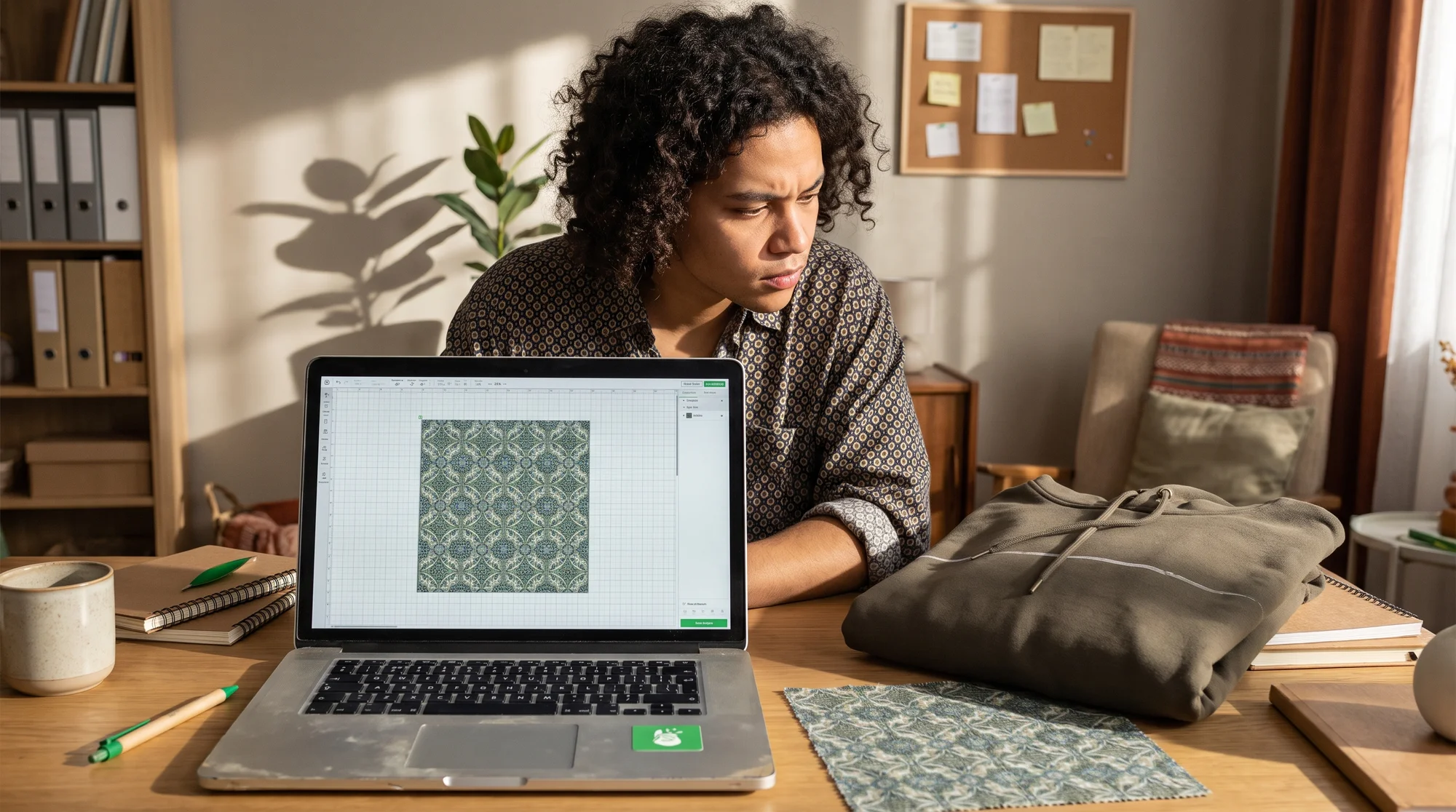
Your $65 AOP hoodie just shipped back with a white crease line slashing across the chest, and the refund request is sitting in your inbox. The fix is error-proofing your file before you upload, not after production fails. This checklist walks you through the 300 DPI foundation, full-bleed margins, seamless pattern tiles, and a 60-second pre-launch sweep that catches the five fatal mistakes draining your high-ticket margins.
Why AOP returns eat your margins
All-over print products are your highest-ticket, highest-reward items. One rejected file turns that reward into a loss, and most sellers never learn why until the refunds pile up.
The real cost of a rejected file
A failed AOP file costs you far more than a single refund. You eat the return shipping, the refund itself, and the days you spent designing while a hot trend was still live. By the time the complaint lands, that trend has cooled, and you are rebuilding from scratch.
The silent killer here is margin. You priced that hoodie at a premium because AOP justifies it. A single return can wipe out the profit from several clean sales.
Why how-to tutorials fail you
Most AOP tutorials teach you how to create a pattern. Almost none teach you how to error-proof one for production. That gap is exactly where your money leaks.
Creation knowledge gets your file to look good on screen. Error-proofing knowledge gets it to survive sublimation, cutting, and hand-sewing without a single white gap or blurry edge.
What happens in production
Understanding the manufacturing method is the root of every fix on this list. Here is the full cycle:
- Your graphic prints onto transfer paper.
- Heat sublimates that ink directly into raw polyester fabric.
- The printed fabric gets cut into panels.
- A person hand-sews those panels together into the finished garment.
Every mistake below traces back to this process. Cut-and-sew means panels are assembled by hand, so your file has to account for bleed, seams, and tolerance before anything is stitched.
The AOP file setup foundation
Nail these two foundations and you eliminate the majority of AOP returns before you ever open the checklist.
Resolution and scale
Low resolution is the fastest way to turn a premium product into a blurry disappointment. AOP covers 100% of a large surface, so any softness gets magnified across the whole garment.
Do this:
- Build your file at a minimum of 300 DPI at full output scale (the real printed size, not a thumbnail).
- Target 8000 x 8000 px or larger for big items like hoodies, sherpa blankets, and leggings.
- Match your Print Provider's exact spec sheet for RGB or CMYK. Do not guess the color mode, check it.
Bleed and safety margins
Ignore bleed and you get raw fabric peeking through at the edges. Ignore the safe area and your logo drifts straight into a seam.
Do this:
- Extend your artwork completely to the Bleed Line, usually 0.5" to 1.0" beyond the cut line.
- Keep all critical text, logos, and focal elements strictly inside the Safe Area.
- Remember that focal elements placed near the edge will get swallowed by seam stitching once the panels are sewn together.
The 5 fatal AOP file mistakes
Run every file against these five before you upload. Each one is a diagnosed cause with a direct fix.
Fatal mistake 1 — white crease gaps
White crease gaps are the single biggest AOP refund trigger. A thin unprinted line appears where the fabric creases or folds, and the customer sees it instantly.
- Diagnose: Your artwork is not extended to full bleed.
- Fix: Flood every panel edge-to-edge before you export. No background should ever stop short of the Bleed Line.
Fatal mistake 2 — seam misalignment
Trying to line up a complex graphic across two panels almost always fails. Hand-sewing cannot hit pixel-perfect alignment.
- Diagnose: You designed a continuous image expecting sleeve-to-chest continuity.
- Reality: Hand-sewing tolerances introduce 0.25" to 0.5" alignment shifts every single time.
- Fix: Design so those shifts stay invisible. Never rely on precise cross-seam matching.
Fatal mistake 3 — low-DPI blur
A file that looks sharp in your editor can still blur at full print size. The problem shows up only after it covers the whole garment.
- Diagnose: Your resolution drops below 300 DPI at output scale.
- Fix: Build native at full dimensions from the start. Never upscale a small file to fake the size.
Fatal mistake 4 — broken pattern tiles
A repeating pattern that is not truly seamless creates visible lines where tiles meet. On a full garment, those lines look like printing defects.
- Diagnose: Your repeat is not seamless, so edges show hard breaks.
- Fix: Use true seamless repeating vector pattern blocks that tile cleanly in every direction.
Fatal mistake 5 — edge-bleed failures
Raw fabric at a corner or edge tells the customer the product is unfinished. It is the same root cause as mistake 1, but it hides in specific panels.
- Diagnose: One or more panel corners show unprinted fabric.
- Fix: Verify full bleed on every single panel, not just the front and back.
Pattern tile mechanics that hide flaws
The smartest AOP sellers design patterns that hide the realities of cut-and-sew instead of fighting them.
Seamless repeating vector blocks
A seamless vector block tiles infinitely with no visible edge line, so it looks flawless no matter where the cut lands. Vector also scales to any size without losing sharpness, which solves your DPI worry at the same time.
Do this: Build your pattern as a single repeating block that connects cleanly on all four sides, then let it tile across the full panel.
The hand-sewing tolerance rule
Design for the shift, not against it. Assume every seam will move 0.25" to 0.5" during hand-sewing.
Do this: Use all-over patterns and textures where a small shift is invisible. A scattered floral or geometric repeat survives tolerance shifts. A single large portrait split across a seam does not.
Avoid continuous graphics crossing seams
Never run one detailed image across a structural seam and expect the halves to line up. Sleeve-to-chest continuity is the fastest path to a return.
Do this: Keep any single focal graphic fully contained within one panel's safe area.
Pre-upload verification checklist
This is the last gate between your design and a refund. Spend a minute here to save a sale.
Panel-by-panel file audit
Check each panel on its own, because a mistake that passes on the front can still fail on the hood. Audit all of them:
- Front
- Back
- Left sleeve
- Right sleeve
- Hood
- Collar
The 60-second error sweep
Run this quick pass on every file:
- Resolution: 300 DPI at full output scale? Confirmed.
- Color mode: Matches the Print Provider spec sheet? Confirmed.
- Bleed: Artwork floods to the Bleed Line on every panel? Confirmed.
- Safe area: All text and logos inside the Safe Area? Confirmed.
- Pattern: Seamless tile with no visible edge lines? Confirmed.
If every box is checked, you are clear to publish.
Launch clean with the Printify Catalog
You have done the hard part. Now put it on products that carry premium price points and ship clean the first time.
Top high-ticket AOP blanks
The Printify Catalog gives you proven high-ticket cut-and-sew blanks ready for your error-proofed files:
- AOP cut and sew unisex tees — a strong entry point with full-surface coverage.
- AOP heavyweight hoodies — your premium anchor product.
- AOP leggings — high-margin apparel with huge pattern appeal.
- AOP sherpa blankets — a top home-and-living seller that showcases big, bold designs.
How the Product Creator error-proofs placement
Guessing placement is how edge-bleed and misalignment failures slip into production. The Product Creator lets you see every panel before you commit.
- Place your artwork panel-by-panel across Front, Back, Left sleeve, Right sleeve, Hood, and Collar.
- Catch misalignment and edge-bleed failures visually, before anything goes to a Print Provider.
- Confirm your bleed floods every edge on the live 3D preview.
Protecting margins: fewer returns
Every return you prevent is pure profit protected on your highest-ticket goods. Clean files mean fewer refunds, fewer return shipping costs, and more of your premium price staying in your pocket. That is the whole point of error-proofing: more money, more autonomy, more living.
Your next move: Run every file through the five-point error-proofing checklist, then launch your first high-ticket AOP line using the Printify Catalog of cut-and-sew blanks. Use the Product Creator to verify Front, Back, Sleeve, Hood, and Collar placement panel-by-panel so your hoodies, leggings, and sherpa blankets ship clean the first time and your margins stay protected.
